

This is an easy small guide on how to retrieve your TikTok SessionId to be able to use the TikTok voices in the VRCSTT app.
Step 1 — Cookie-Editor Tool
Install Cookie-Editor at https://cookie-editor.cgagnier.ca/ (This is a simple devtool simplifying how to find cookies on a website)
Step 2 — Finding your ID on TikTok
Navigate to https://www.tiktok.com/, you must be logged into TikTok!
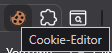
While on the TikTok tab, go to the top right of the screen and from your browser, click the Extensions button and select Cookie-Editor.
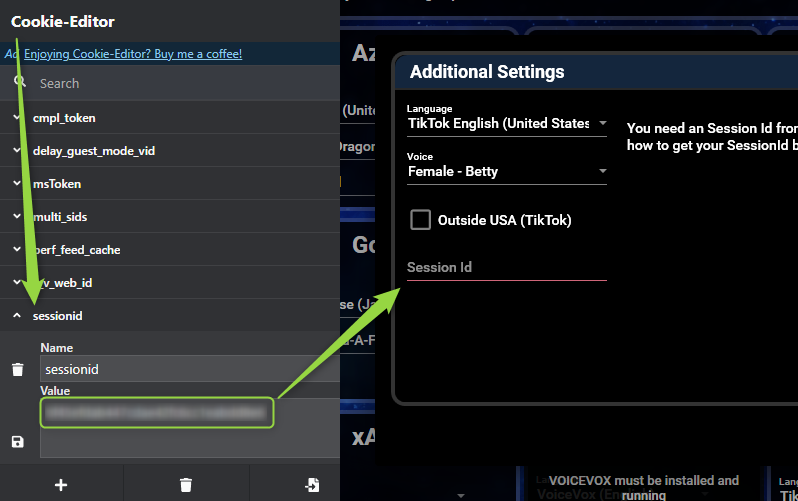
Scroll down until you see sessionid. Copy the value.
Step 3 — Paste the value in the VRCSTT Program
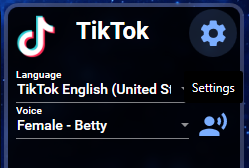
Navigate to the Text To Speech tab. Find the TikTok service and click on the little Gear Icon near its name.
Paste the previously copied value inside the Session Id field then close the box. TikTok voices should now be working whenever you are using Text To Speech!
For any other questions or issues you might have, feel free to reach out to us on our Discord and open a post in our #help-forum channel.